Author: Tristan Webb | 6 min read | July 29, 2026
Introduction
We all know choosing a gaming keyboard can be surprisingly difficult. With hundreds of options available, it is easy to get distracted by RGB lighting, brand names, and marketing claims without knowing what actually matters.
A great gaming keyboard is not just about looking impressive on your desk. Factors like switch type, build quality, response time, layout, and comfort all play a role in creating a better gaming experience.
Whether you are building your first gaming setup or upgrading from an older keyboard, understanding what makes a gaming keyboard good can help you spend your money wisely.
This guide will break down the most important features to look for when choosing a gaming keyboard in 2026.
The Right Switch Type
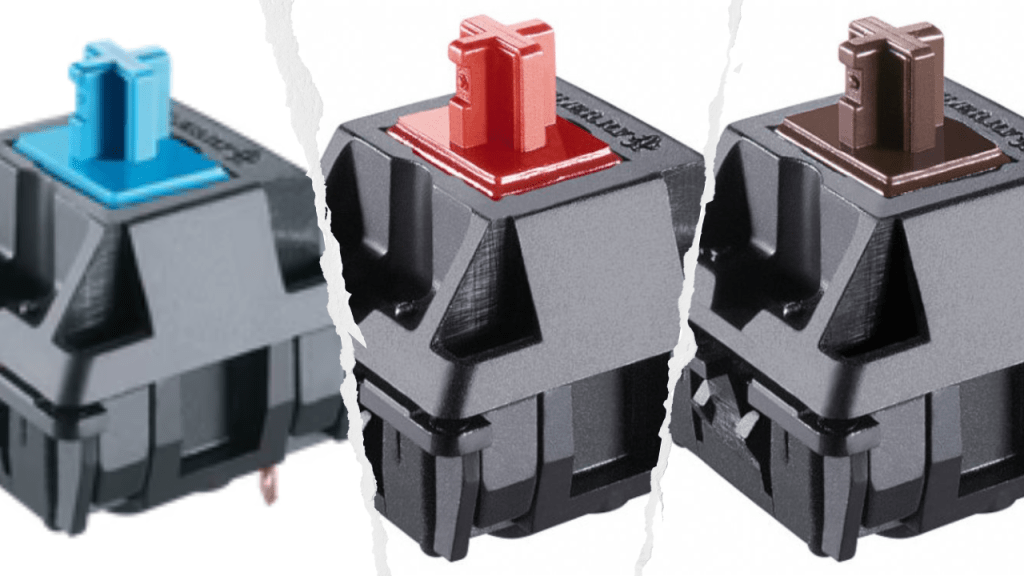
One of the biggest factors that separates gaming keyboards is the type of switch they use.
Unlike membrane keyboards, mechanical keyboards use individual switches underneath each key. This gives users a more consistent and responsive typing and gaming experience.
The most common mechanical switches include:
Linear Switches
Linear switches provide a smooth key press without a noticeable bump or click. They are popular among gamers because:
- They feel fast and consistent.
- They are usually quieter.
- They are great for fast-paced games.
Examples include red switches and other similar linear switches. However red is the main manufactured switch and every other similar colour which is linear is based off them.
Tactile Switches
Tactile switches provide a noticeable bump when pressing a key. They are popular because:
- They give feedback while typing.
- They work well for both gaming and everyday use.
- They provide a more satisfying typing experience.
Clicky Switches
Clicky switches provide both a tactile bump and an audible click.
They can be enjoyable for typing, but they may not be ideal if you share a room or need a quieter setup. The best switch comes down to personal preference. There is no single switch that is perfect for everyone.
Build Quality & Durability
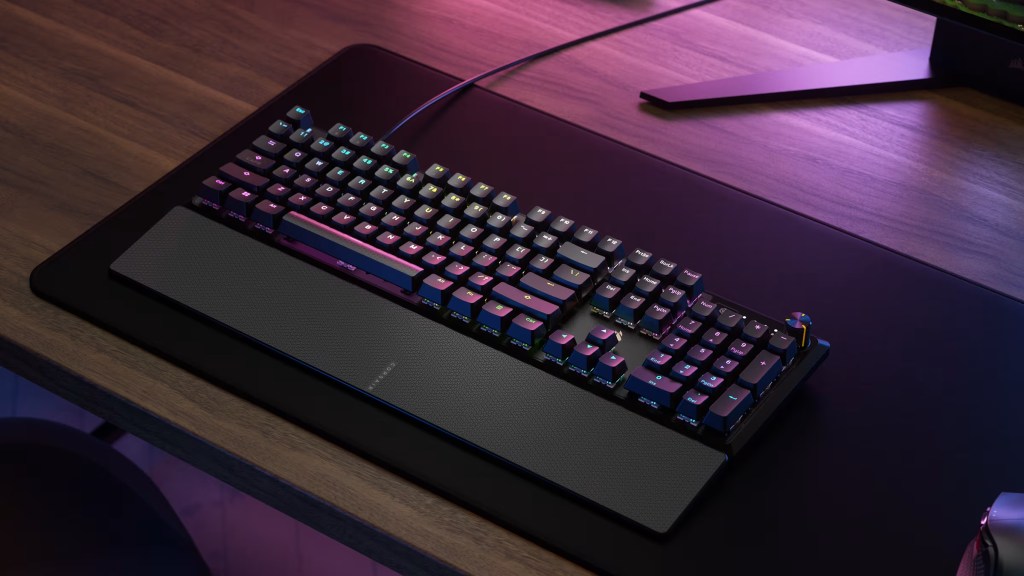
A good gaming keyboard should be able to handle years of daily use. Important things to look for include:
- A strong frame.
- Reliable key switches.
- Quality keycaps.
- Minimal flex when typing.
Many mechanical switches are rated for tens of millions of keystrokes, meaning a quality keyboard can last for many years. A cheaper keyboard may save money initially, but investing in better build quality can improve the overall experience.
Response Time & Gaming Performance
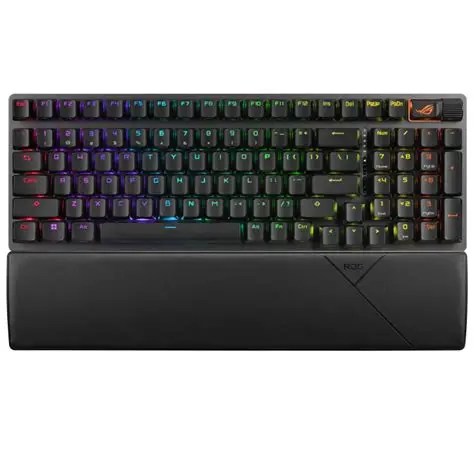
For competitive gamers, keyboard responsiveness matters. Important features include:
Low Input Latency
Input latency is the delay between pressing a key and the computer registering the action. A good gaming keyboard should respond quickly and consistently especially if you are considering playing FPS games where every key actuation matters.
N-Key Rollover
N-key rollover allows multiple keys to be pressed at the same time without missed inputs. This is useful for games where players frequently press several keys together.
Anti-Ghosting
Anti-ghosting prevents unwanted or missed key presses when multiple buttons are pressed simultaneously. These features are especially useful for competitive games such as FPS and fast-paced action titles.
Keyboard Layout & Size
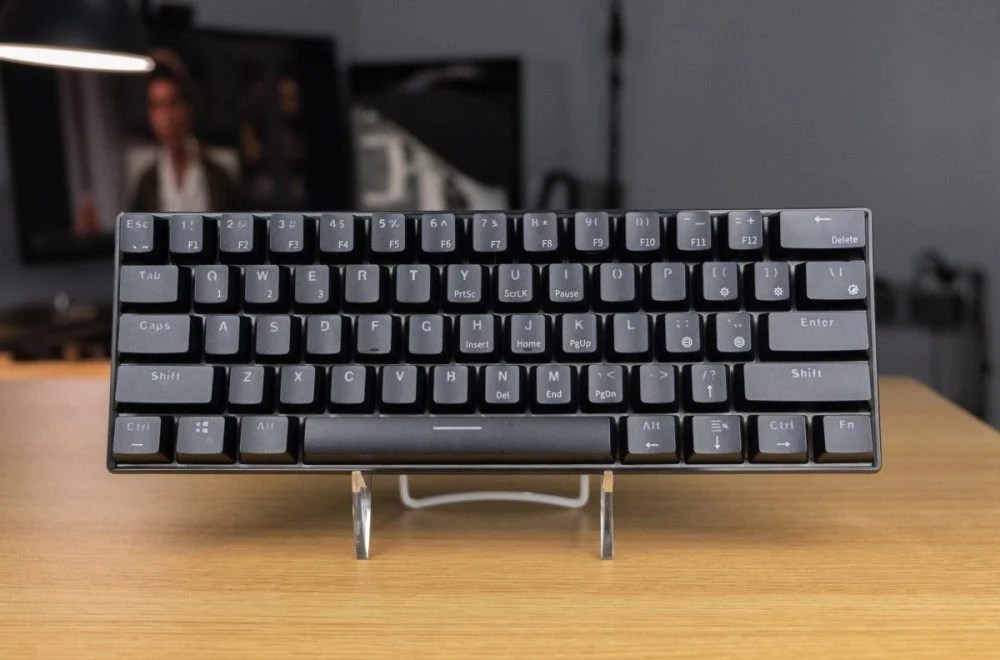
Gaming keyboards come in different sizes, and the best option depends on how you use your setup.
Full-Size Keyboards
Full size keyboards are your standard full set keyboard having all keys, number pad, function keys and arrow keys these are great for coding and developing also however they take up lots of desk space.
- Number pad
- Function keys
- Arrow keys
Best for:
- Productivity
- Work
- People who use spreadsheets frequently
Tenkeyless (TKL)
TKL keyboards remove the number pad while keeping the important gaming keys while better for desk space it’s not too far of a change from your regular full-size keyboard but gives you that extra space.
Benefits:
- More desk space.
- Easier mouse movement.
- Popular among gamers.
60% and 75% Keyboards
Compact keyboards remove or combine certain keys to save space. These are great for small desk space but not recommended if you are planning on doing a bunch of number crunching as you have no number pad.
Benefits:
- More room for mouse movement.
- Portable.
- Cleaner desk setup.
Note: The best size depends on your gaming preferences and how much desk space you have.
Comfort & Ergonomics
A good gaming keyboard should feel comfortable during long gaming sessions. Without fatigue from constant use or the feeling of being uncomfortable with the typing experience.
Things that improve comfort include:
- A comfortable typing angle.
- Good key spacing.
- Quality stabilisers on larger keys.
- A wrist rest if needed.
A keyboard that looks good but feels uncomfortable can become frustrating over time.
Customisation Options
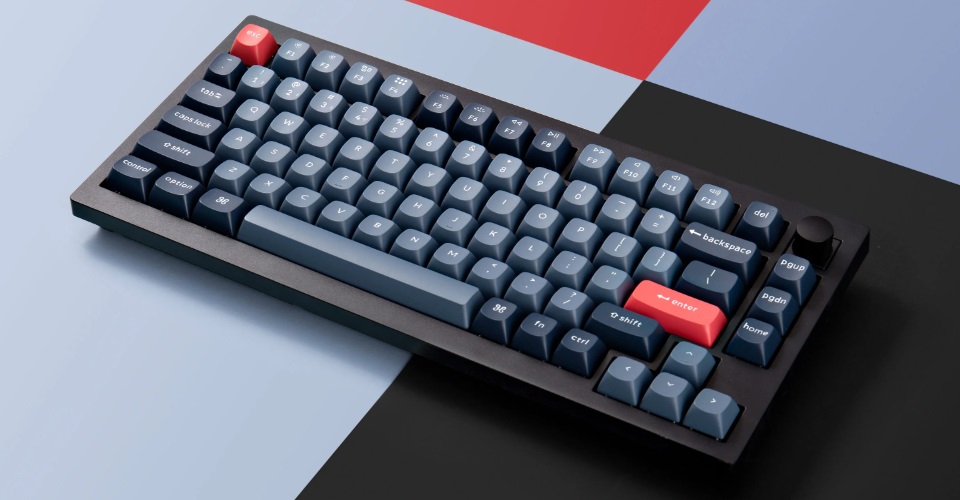
Modern gaming keyboards offer more customisation than ever. Popular features include:
Hot-Swappable Switches
Allows users to change switches without soldering.
This is great for people who want to experiment with different typing feels.
Replaceable Keycaps
Changing keycaps can improve:
- Appearance.
- Texture.
- Durability.
RGB Lighting
RGB does not improve performance, but it can help personalise your setup.
Note: A good keyboard should focus on performance first and aesthetics second. It all comes down to your personal preference in keyboard which is why it’s very important to do your research before buying.
Wired vs Wireless Gaming Keyboards
Wireless gaming keyboards have improved significantly in recent years, but do they live up to the hype and are they just as great as wireless?
Wired Keyboards
Advantages of a wired gaming keyboard are:
- No charging required.
- Reliable connection.
- Often cheaper.
Wireless Keyboards
Advantages of a wireless keyboard are:
- Cleaner setup.
- Easier to move.
- Less cable clutter.
For competitive gaming, wired keyboards remain popular, but modern wireless keyboards can provide excellent performance.
Note: Over my years I have only purchased one wireless keyboard and that has been the Royal Kludge RK61 which is fantastic and great for price. Having the wireless option is fantastic especially because there is no cable which gets in the way however it all comes down to personal preference and I would honestly just recommend wired keyboards firstly than wireless later.
Software and Extra Features
Good keyboard software can improve the overall experience.
Useful features include:
- Custom key bindings.
- Macro support.
- RGB controls.
- Profile switching.
However, software should not be the reason you buy a keyboard. A great keyboard with poor software can still be better than a mediocre keyboard with lots of features.
Note: From personal experience Logitech G Hub has been the best and most simple software I have used for personalising RGB on my keyboard. My second recommendation is Razer Synapse as it is quite easy to get into and easy to find where everything is.
What Features Matter Most for Gaming?
If you are prioritising what matters most, focus on:
- Switch type and feel.
- Build quality.
- Comfort.
- Layout.
- Responsiveness.
- Extra features.
RGB lighting and extra buttons are nice additions, but they should not be the deciding factor.
Conclusion
A good gaming keyboard is a combination of performance, comfort, and personal preference.
The best keyboard is not always the most expensive one. A budget keyboard with the right switches and features can provide an excellent gaming experience, while an expensive keyboard may not be suitable for everyone.
Before buying, consider how you use your keyboard, what games you play, and what features matter most to you.
Note: If you are still deciding, check out our guides on mechanical keyboards, keyboard switches, and the best budget gaming keyboards to find the right option for your setup. (Click Here)


Leave a Reply