Author: Tristan Webb | 5 min read | July 20, 2026
Which Mechanical Switches Are Best For You?
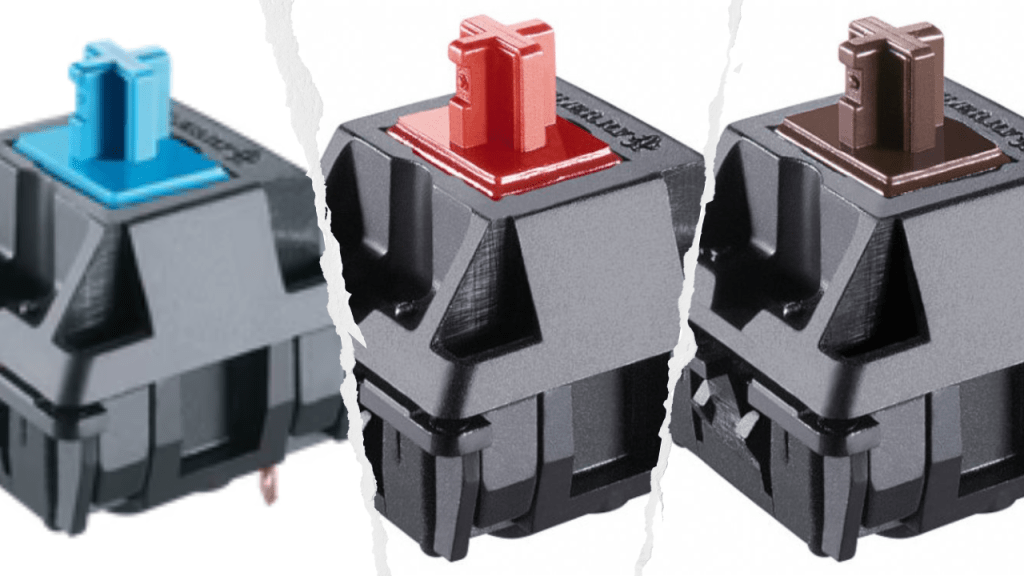
Mechanical switches come in various types. Blue, red and brown are the most common and known. However, all of them have different uses, purposes and pros and cons.
Today we are doing a deep dive and discussing which is best for your needs. Whether you’re a gamer, office worker, writer or just want a lasting switch which lives up to its value.
What Is a Mechanical Switch?
Mechanical switches are components under each individual key which registers every individual keystroke. They provide audible feedback and a tactile feel enhancing your typing experience.
There are three distinct parts to the mechanical switch. Firstly, the stem this determines how every individual key press feels and is responsible for all keycap compatibility.
The second part is the spring. Pretty straight forward the spring provides resistance and returns to the stem back to its original position after every keystroke.
Third and last part is the housing. The housing encasing the stem and the spring holding all of the components together. This is usually made from plastic but also comes in various designs.
The Three Switch Variations
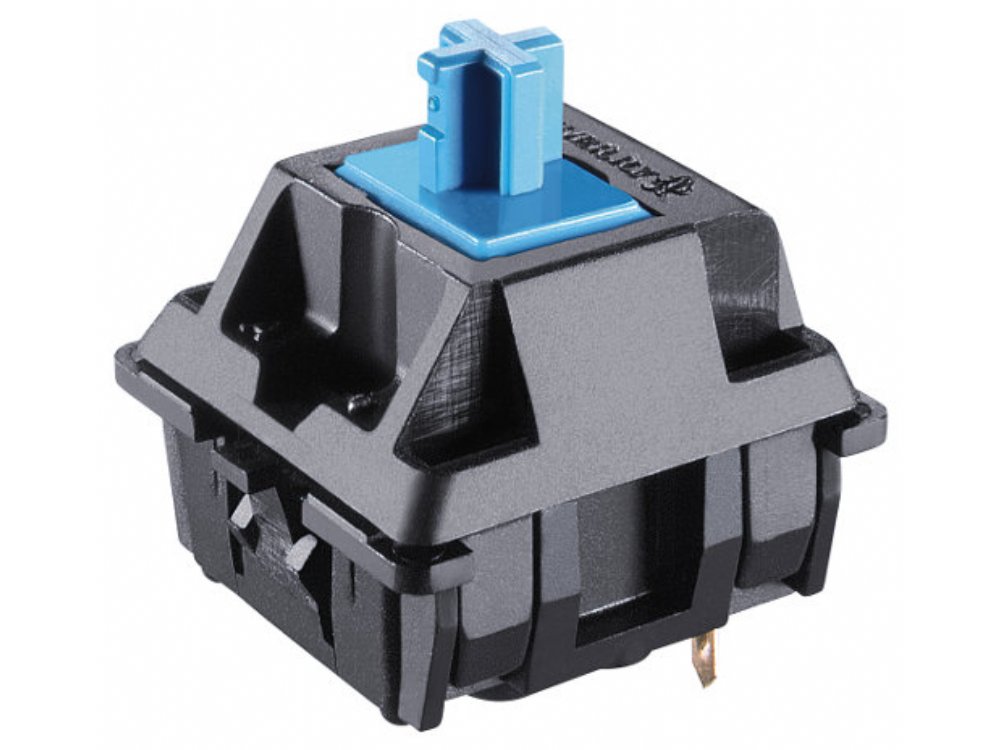
Blue Switches: Clicky & Tactile
Blue switches are known primarily for their clicky audible feedback and tactile feel. They have a actuation force of around 55 – 60 grams of force although on a high end compared to the other switches.
These switches are best used for those who are interested in programming, writing and also touch typing.
They are not really ideal for people who are gaming due to the fact that they can be quite loud and become obnoxious over a certain period of time.
The real cons to these switches are simply the loudness of them. They can be distracting if you are working in office spaces or shared rooms. Another would be the high actuation pressure having to be used which causes fatigue quicker than what red switches would.
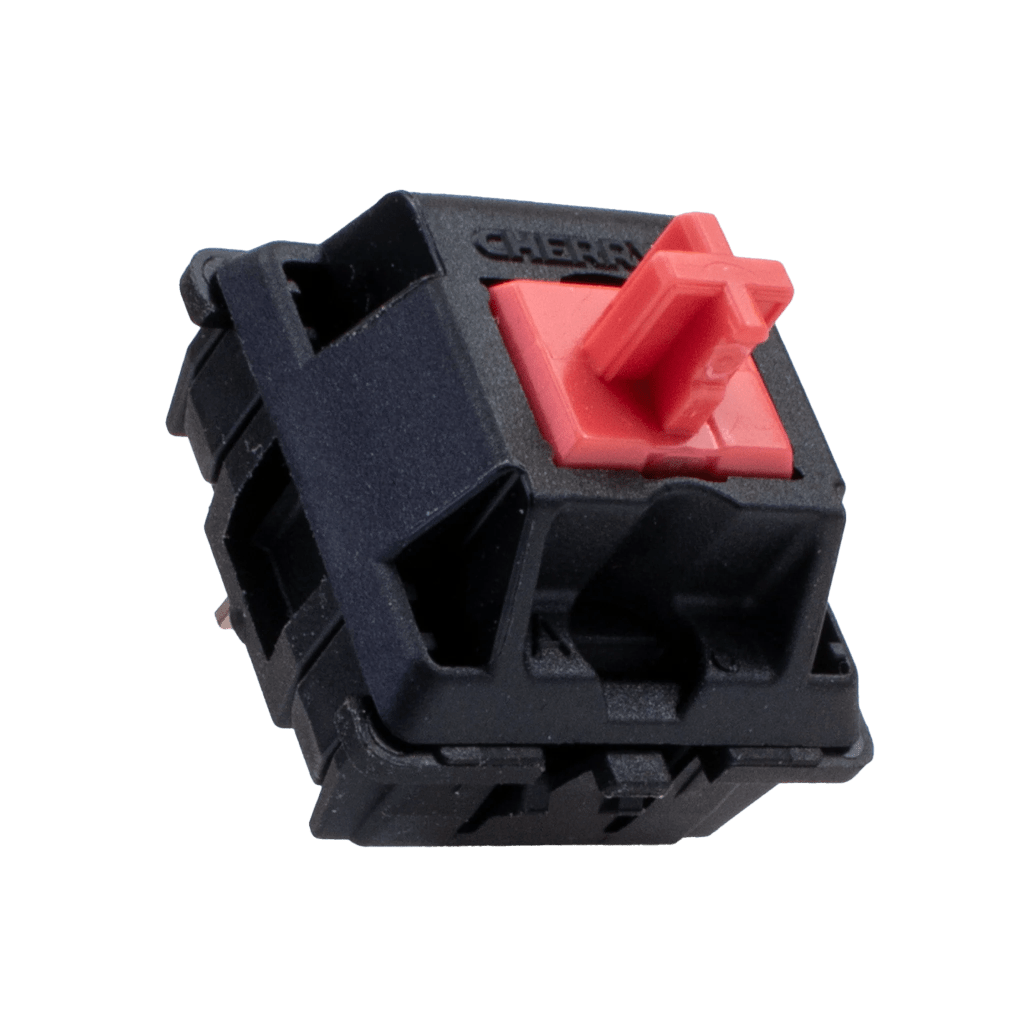
Red Switches: Linear & Quiet
Red switches are best known for their linear and smooth keystrokes. Unlike brown switches or blues the tactile feedback is gone. To explain there is no halfway actuation bump when pressing your keys down. This simply bottoms out the key and makes it so that pressing keys down is easier and requires less force when being used.
The required force is significantly lower than blues or browns and sits around 45 grams making these great for long sessions.
These switches are best suited for those who are into gaming as they are smooth and quiet making them great for late night gaming or in shared rooms. Some have stated they are great for typing also however most prefer a tactile bump for feedback.
The cons to these switches are really the lack of a tactile bump. While great for less actuation can also cause typing errors.
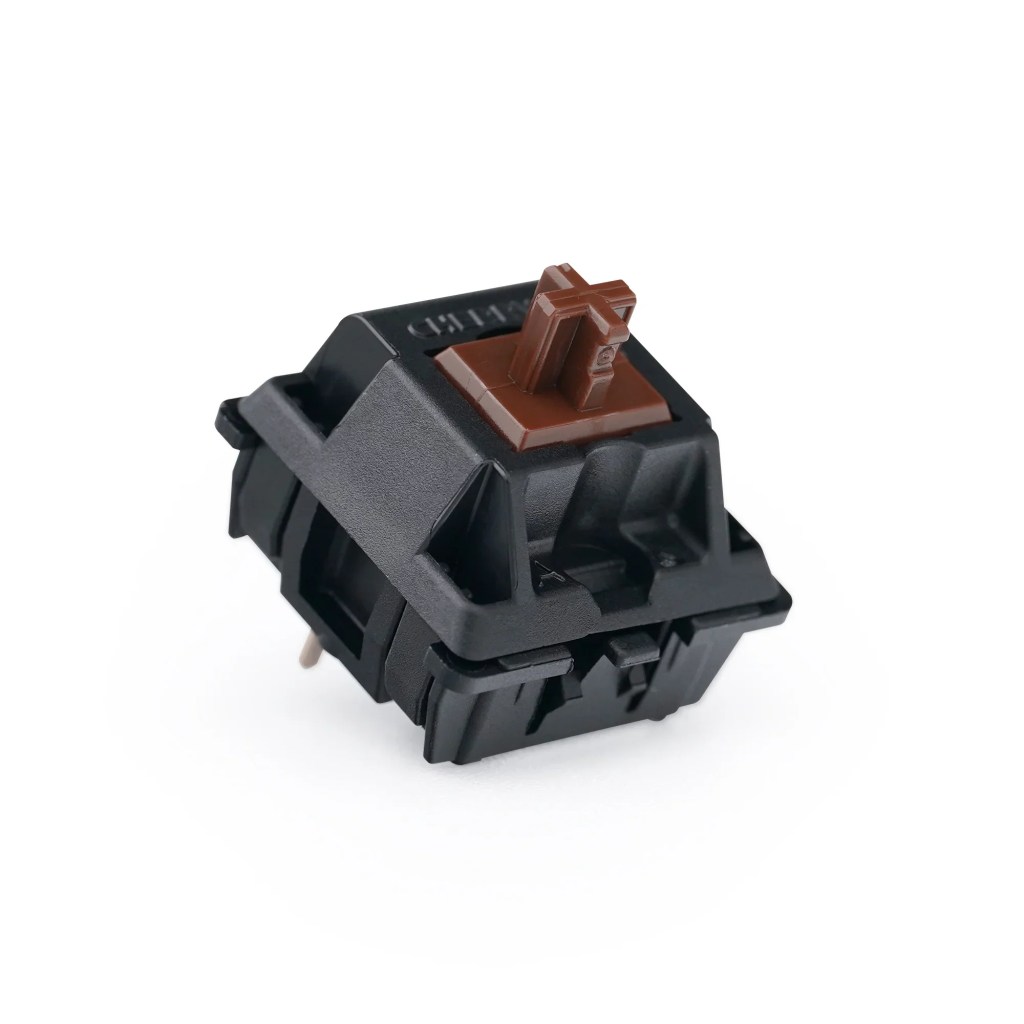
Brown Switches: Tactile
Brown switches are best known to be the blues without the click. They have a tactile bump at the half actuation point. Browns are quieter than what blue switches are but a little louder than reds but not by much.
Sound dampening can be used like O rings if it is a problem but generally, they are quieter and great for use in office spaces and shared room. The required actuation force 55 grams which is similar to the blue switches however browns are great for providing a middle ground balance that is comfortable for long typing sessions.
Brown switches are best suited to those who want feedback when writing or typing and are also great for gaming. They are really the middle ground choice.
Note: From personal experience I have owned all three of these key switches. I started with Greens from Razer which are virtually identical with blues. It was fantastic to type on and soothing almost like an ASMR. However, when it came to gaming It got annoying and when playing competitively. Friends often asked me to get another keyboard because of the noise. I got a Corsair K70 which included Reds switches but after trying reds for over two years I wanted the tactile feedback once I started writing and editing and ended up switching to the browns when I bought the Royal Kludge RK61. Ever since then I have used browns, and they are my go-to switch choice.
Summary
In conclusion these switches all have their great features however they all come with pros and cons and as to who they are best suited I would recommend the following.
Blue Switches: Use blue switches if you are primarily writing and want the pleasing audible feedback. Not recommended if you are a hardcore gamer or if you are in a shared space or office environment due to the noise they produce.
Red Switches: Use red switches if you are primarily a gamer, they are great for responsive feedback and long sessions or if you are doing some occasional typing work. They are fantastic for office spaces and shared rooms also. I wouldn’t recommend them if you are primarily typing or writing simply because of the lower accuracy which can happen when trying to touch type.
Brown Switches: Use brown switches if you are an in-between person who wants the tactile feedback without the audible feedback. They will be great for if you plan on doing writing and typing work and also if you are the casual gamer.
Note: While I have only mentioned blue, red and brown switches there are lots more which you can choose and all of them are unique in their own way but realistically blue, red and browns are the standards.


Leave a Reply